FixMyPDF Review: A Free PDF Toolkit That Keeps Processing in Your Browser
A practical look at FixMyPDF's local-first PDF tools, features, pricing, and trade-offs.
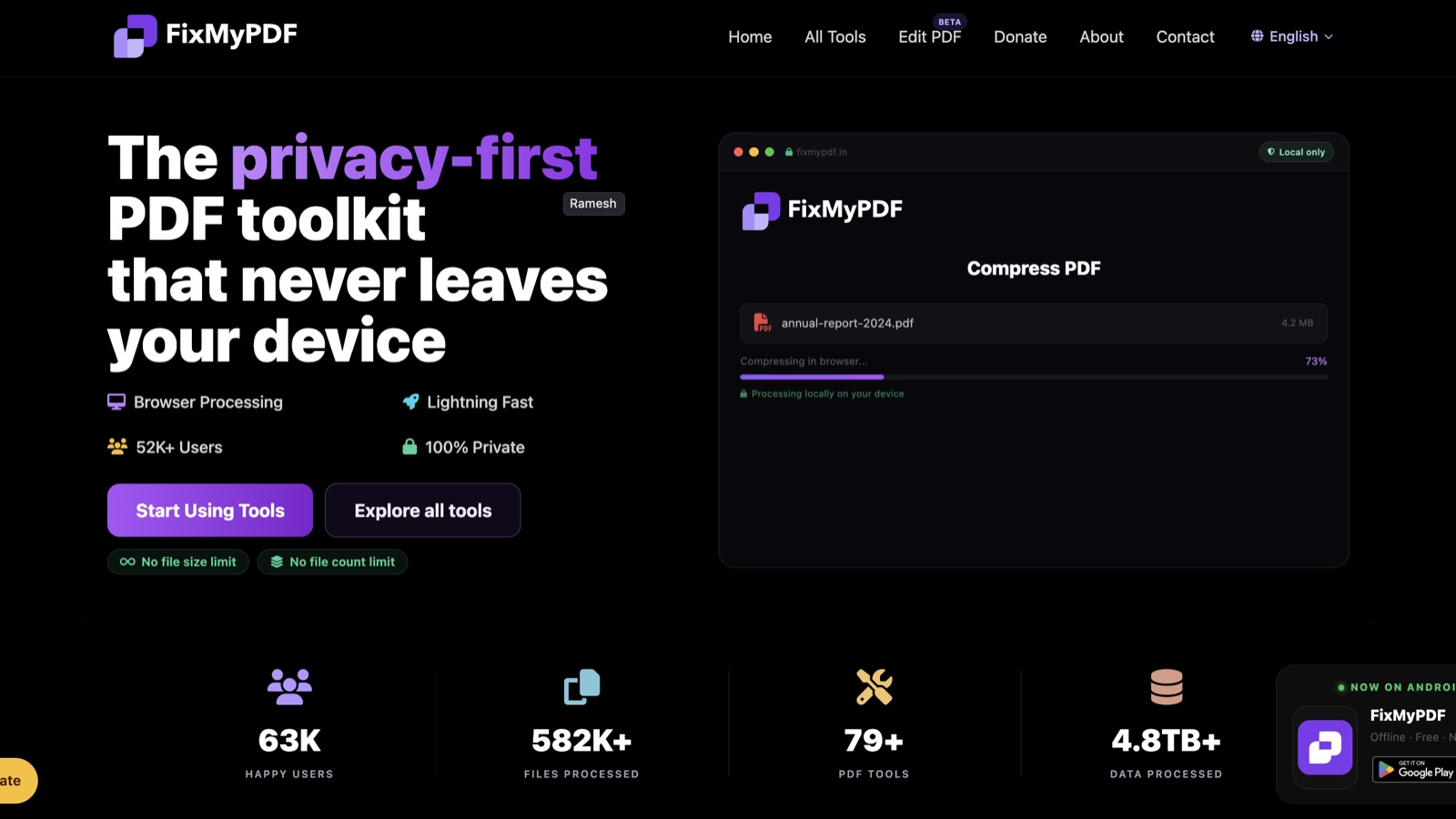
FixMyPDF is a free collection of browser-based PDF tools built around one central idea: your documents should stay on your device while you work. It brings common tasks like compressing, merging, splitting, converting, organizing, and securing PDFs into one place, without requiring an account.
What FixMyPDF does
FixMyPDF is an online PDF toolkit with more than 79 tools listed on its homepage. The collection covers conversion to and from PDF, page organization, editing, signatures and security, and advanced utilities such as metadata inspection and file extraction. The interface is designed so a visitor can find a task, choose a file, process it, and download the result without creating an account.
You can browse the FixMyPDF tool catalog to see the current selection.
Its defining product choice is local processing. FixMyPDF says files are handled in the browser rather than uploaded to its servers. For documents that contain personal, work, or client information, keeping the file on the user's device can be a meaningful alternative to a server-upload workflow.
Who it is built for
FixMyPDF is useful for people who need occasional PDF utilities without installing desktop software or signing up for another service. That includes students combining coursework, freelancers preparing client documents, office teams making quick format changes, and individuals who want to avoid sending sensitive files to an online processing service.
It is especially relevant when the task is straightforward and the user wants a quick, free tool. People who need managed document workflows, shared review, enterprise administration, or a support commitment should check whether a standalone browser toolkit fits those requirements before relying on it for team processes.
How it works
The workflow is simple: select a tool from the catalog, choose or drop in a PDF, adjust any options that tool provides, then process and download the result. The product does not require an account for the described tools, and its homepage says processing happens locally in the browser.
To try the workflow, open FixMyPDF and choose a PDF tool.
Local processing changes the trade-offs. It avoids sending the document to a processing server, but the browser and device still do the work. Very large or complex files may use substantial memory or take longer on older devices. Browser support and available device resources matter, so a local workflow should still be tested with the files and hardware you use regularly.
Notable features
- A broad toolbox for conversion, compression, merging, splitting, page arrangement, editing, signatures, password protection, redaction, metadata, and other PDF tasks.
- Browser-side processing, so files do not need to be uploaded to FixMyPDF for the listed local workflows.
- No account requirement and a free-to-use positioning across the tool catalog.
- A search and categorized catalog that helps users find a specific task rather than navigate a single long tool list.
- A community feedback section that highlights tools shaped by user requests.
The exact tool set can change, and not every tool necessarily has the same options or browser requirements. Check the individual tool page before starting a time-sensitive or high-stakes task. The current tool list and its details are available on the product site.
Pricing
FixMyPDF currently presents its PDF tools as free, with no registration required. Its homepage also states there are no file-size or file-count limits. Those are product claims, while practical limits can still come from the user's browser, device memory, or the format and complexity of a particular file. The pages reviewed do not present paid tiers as a prerequisite for using the listed tools. See FixMyPDF's site for its current pricing and terms before relying on them.
How it compares
Compared with a PDF service that uploads documents for server-side processing, FixMyPDF's local-first approach reduces the need to transmit a document to the service. That can be a useful privacy property, but users should still review a tool's behavior and privacy information for their own requirements. Local processing is not a substitute for an organization's security review.
The trade-off is that processing depends on the user's device and browser. Cloud tools may suit workflows that need centralized processing or collaboration, while a local browser tool can be a better fit for quick individual tasks where avoiding an upload is a priority.
Bottom line
FixMyPDF brings a wide range of common PDF tasks into a free, account-free interface and makes local processing its clearest differentiator. It is worth trying for individual document conversions and edits, especially when you prefer not to upload a file to a processing service. Its main caveat is the one shared by browser-based tools: your device and browser determine how comfortably larger or more complex files run.
If those trade-offs match your needs, explore FixMyPDF's tools.
Frequently asked questions
Is FixMyPDF free?
FixMyPDF presents its tools as free to use and does not require an account for the listed workflows. Check the product site for current terms and any changes.
Are files uploaded to FixMyPDF?
FixMyPDF says its tools process files in your browser and that your files stay on your device. Confirm the behavior on the specific tool you plan to use, especially for sensitive documents.
Do I need to register?
No account is required to use the tools described on the site.
Can I use FixMyPDF on a phone or tablet?
The site says it is designed for modern browsers across desktop and mobile devices. Available memory and browser support can affect how larger files perform.
Does FixMyPDF impose file-size limits?
Its homepage states there is no file-size limit. In practice, the browser and device may still constrain how large or complex a file can be processed comfortably.